
2× Game Speed in Enhanced Remaster — What It Does
Resonance of Fate Enhanced Remaster 2× game speed explained: field, battles, and events run faster. Benefits, limits, and what we could verify on menu footage.
FAQ
What does 2× game speed do in Enhanced Remaster?
How do you turn on 2× game speed?
Does 2× speed affect Hero Actions or only walking?
Should you use 2× speed on a first playthrough?
Does 2× speed replace fast-forward text?
Do you need Enhanced Remaster for 2× speed?
Why did tri-Ace add 2× speed?
Resonance of Fate is a long JRPG with repeated arena fights, hex map expansion, and optional missions that can outlast the main story. Enhanced Remaster’s Steam description adds a 2× Game Speed feature so you can enjoy the game at a more comfortable pace—shorter commutes between fights, not a new difficulty mode.
GamerPapers, summarizing Gematsu, states the toggle affects field exploration, battles, and events together. That makes it different from a text-only fast-forward button.
When should you turn it on?
| Situation | Suggestion |
|---|---|
| First chapter, learning Hero Actions | Keep normal speed; read /guides/beginner-guide/ and /guides/hero-action-guide/ |
| Farming bezels / hex tiles | Strong candidate for 2× after you know routes (/guides/bezels-and-bezel-shards/, /guides/energy-hex-world-map-guide/) |
| Optional mission backlog | Pair with upgrade purchase rationale in /guides/is-enhanced-remaster-worth-it/ |
| Story-heavy cutscenes you have not seen | Normal speed or manual skip—2× may rush dialogue you still want |
What we could and could not verify on video
Verified in official text: Enhanced Remaster includes 2× game speed covering exploration, battles, and events (Steam feature blurb + GamerPapers/Gematsu summaries).
Not verified in footage reviewed here: a menu row explicitly named 2× Game Speed or 2× game speed. OPTIONS → Game Options in PC footage shows camera, anchor, and End Turn Settings rows—but not a speed toggle in the frames we inspected.
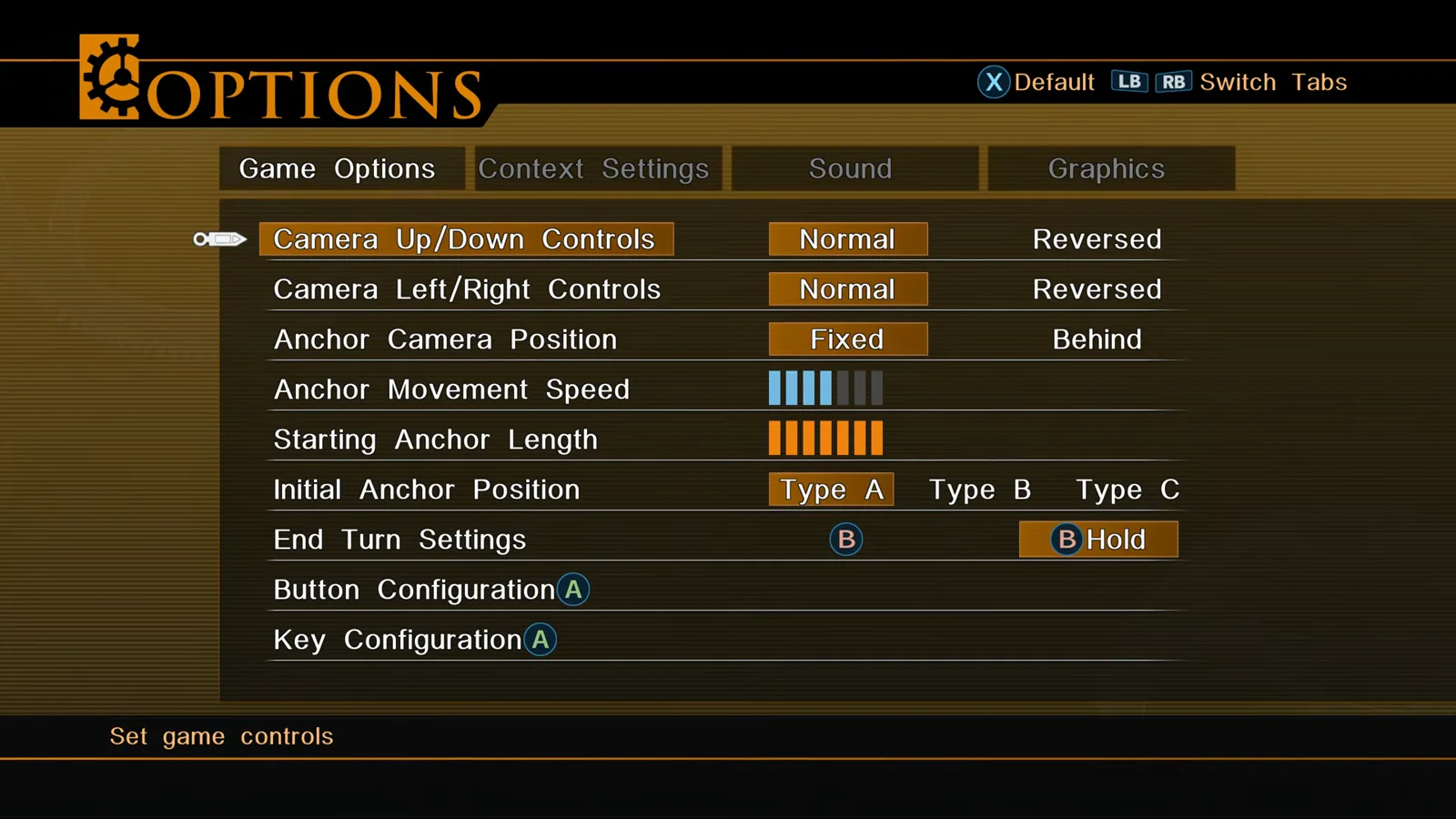
If you locate the toggle, it likely lives under OPTIONS alongside Game Options, Context Settings, Sound, and Graphics (/guides/graphics-settings-120fps-hdr/). Check Context Settings after install—we did not capture that tab in clean footage.
Side effects and pairing with other settings
- Audio pitch: Many JRPG speed modes raise pitch; listen before leaving 2× on during cutscenes.
- Input timing: Hero Actions and tri-attacks (/guides/tri-attack-and-resonance-points/) still demand positioning—double speed gives less time to plan unless you pause.
- Performance: Faster simulation can expose frame drops on weak GPUs; stabilize graphics first (/guides/graphics-settings-120fps-hdr/).
- Achievements: Steam lists the same achievement set; we found no official note that 2× disables trophies—still avoid speed tools if you care about manual play integrity.
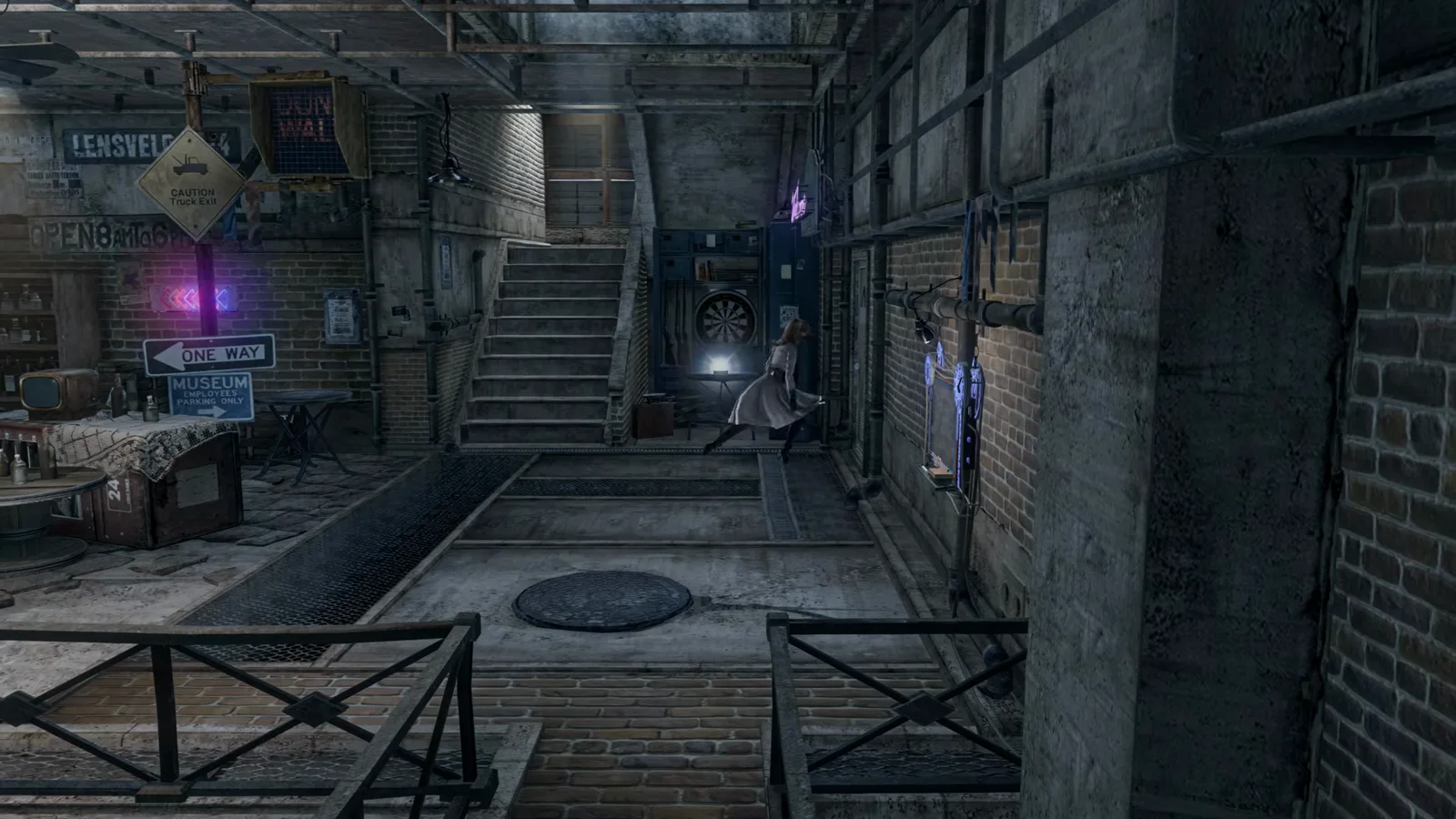
Field scenes such as indoor bases highlight how much time you spend moving between menus—exactly where global speed helps.
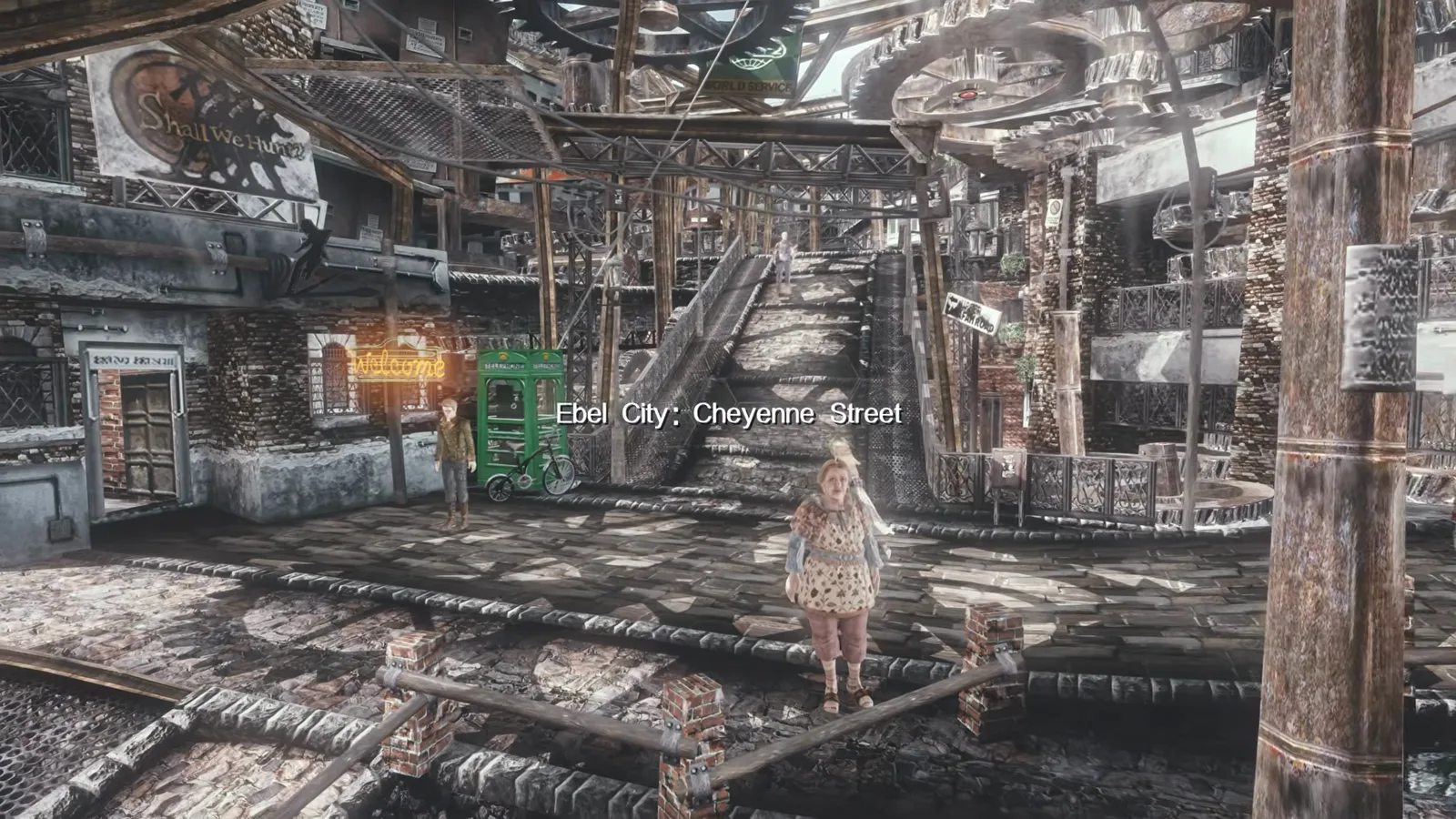
Hex world travel is another time sink—2× speed targets the gap between fights, not the strategy of which tile to unlock.
Sources
- Steam — Enhanced Remaster feature list (2× Game Speed)
- GamerPapers — 2× speed description
- Anime News Network — Launch press release (2× speed feature)
- RPG Site — Enhanced Remaster announcement
- Footage frames: No music gaming — Resonance of Fate 4k remastered edition DLSS 5 (YouTube, uPSF6yPC7O0)
Last verified: 2026-10-31
Related Articles
bosses
Tar Man Boss Guide — Chapter 1 Lucia Boss Fight
Tar Man boss strategy for Resonance of Fate Chapter 1: oil pit priority, Drum Carriers, cover boxes, and handgun finishers in the Lucia dungeon (Downtown area 5).
bosses
Tesla Tortoise Boss Guide — Chapter 2 Blackout Finale
Tesla Tortoise boss fight guide for Resonance of Fate Chapter 2: shock status, bunker cover, scratch body parts, and Metal-Coated MG ammo in Hughes Power Station.
guides
Battle System Explained — Resonance of Fate Combat
Battle system explained for Resonance of Fate Enhanced Remaster: turns, Hero Actions, Tri-Attacks, scratch vs direct damage, and the Hero Gauge.
Was this helpful?
Thanks for the feedback!